Make Issues: Exploring Make Code App Features
The Make Code App lets you run JavaScript and Python directly within Make workflows.
Without any external services, you can transform complex data, implement custom logic, and import the libraries you need.
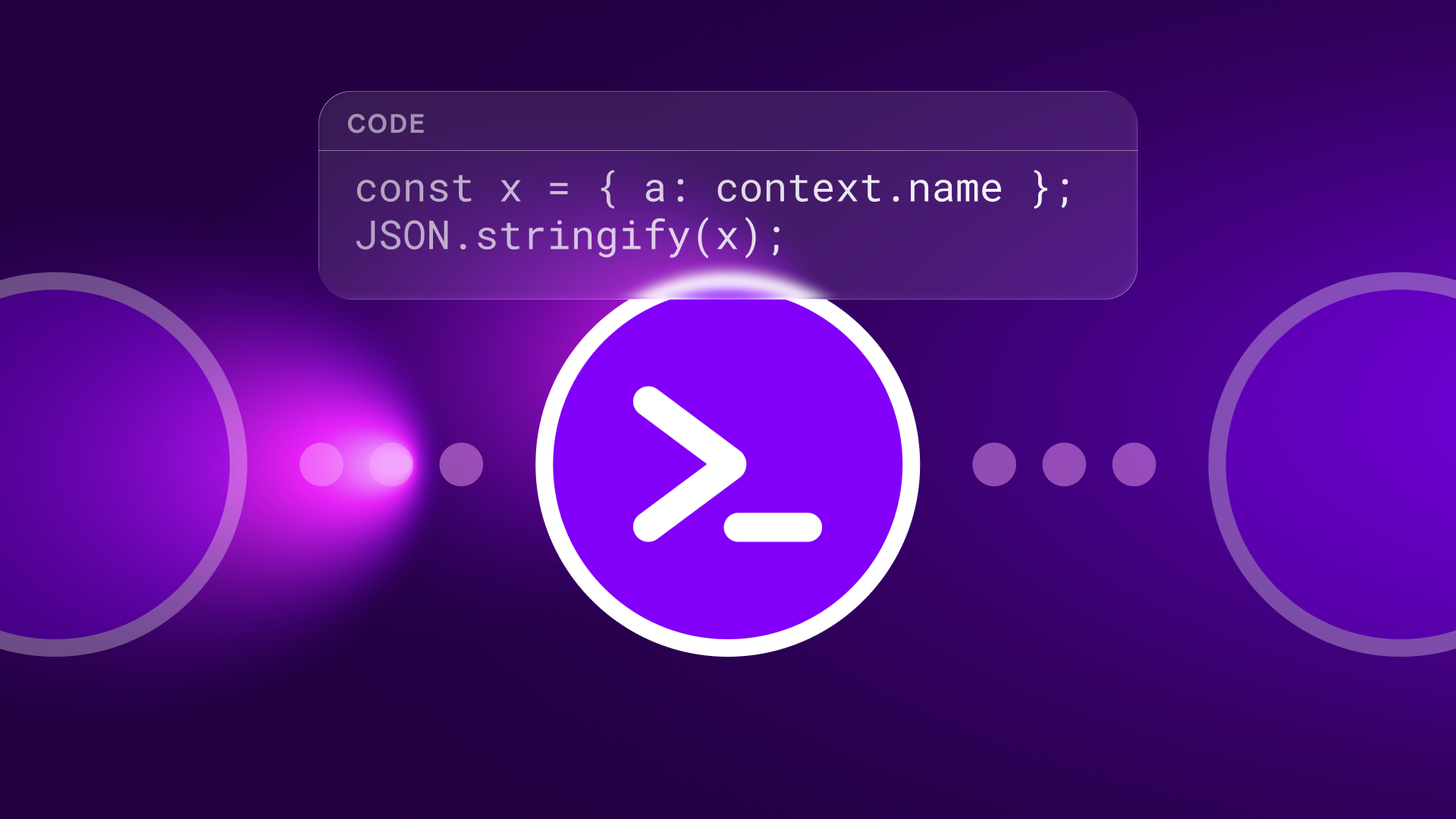
No-code automation has completely transformed the way we work, but some tasks still require more granular control.
Things like complex data transformations or dynamic business logic.
Until now, solving these problems meant going outside Make -- running cloud functions or managing external services.
The Make Code App changes that.
It lets you run JavaScript and Python directly in your scenarios -- no servers, no external dependencies, no compromises.
What Is the Make Code App?
The Make Code App is a new built-in module that extends Make's visual automation with code execution capabilities.
Think of it as a Swiss Army knife for situations where you need very precise control.
What you can do with the Make Code App:
- Write and run JavaScript or Python directly in your workflows
- Easily access inputs from previous modules
- Create structured outputs that connect to downstream modules
- Import popular libraries like moment.js, lodash, pandas, and requests
- Test code in the built-in editor with autocomplete and error highlighting
- Run everything in a secure sandbox environment
For Enterprise users, the possibilities expand even further.
You can import any external library you need, from NumPy for advanced calculations to spaCy for natural language processing.
While other platforms limit you to predefined libraries or basic JavaScript, Make gives you the freedom to use the tools your industry demands.
The Make Code App is available on all paid plans, with execution time starting at 30 seconds on basic plans and extending to 300 seconds for Enterprise users.
Built-in Performance, No External Setup Needed
How the Make Code App automates code execution:
No servers, external services, or HTTP workarounds needed: Run code in Make's secure, isolated sandbox without any infrastructure setup. No DevOps burden, no separate cloud costs, no authentication issues. Just write your logic and run it -- everything is handled within Make's cloud environment.
Write once, reuse anywhere: Solve complex logic in a single module, then leverage that solution across multiple scenarios. Custom transformations become reusable blocks that scale as your business grows.
Structured output, smarter workflows: Return JSON, arrays, or any structured data that feeds cleanly into downstream modules. The built-in editor lets you verify output before applying it in production, ensuring reliable data flow across your entire scenario.
Enterprise-grade flexibility: Everything needed for large-scale code execution:
- Extended execution time (300 seconds vs. 30 seconds default)
- External library imports
- Higher CPU and memory limits
Real-World Use Cases
Advanced Data Transformation and Enrichment
Problem: An e-commerce platform sends order data in a complex nested JSON structure. The CRM requires a completely different format. Default mapping modules can't handle the transformation logic.
Solved with Make Code App: Write a Python script using Pandas to restructure the data precisely. Parse nested arrays, apply business rules, normalize formats -- all in a single module. Structured output feeds directly into the CRM integration, keeping the transformation process fully visible.
Running AI Agent-Generated Code
Problem: You're building an AI-powered workflow where ChatGPT generates custom Python code based on user requirements. But how do you run this changing code safely and reliably?
Solved with Make Code App: Accept AI-generated code and run it securely in Make's sandbox environment. Complete visibility, full logging, zero security risks. With native integration with Make AI Agents, your automation can think, generate, and execute -- enabling true agentic automation where AI writes and runs its own logic based on real-time conditions.
Real-Time Debugging and Transparent Workflows
Problem: A team needs to troubleshoot complex automation logic distributed across multiple systems. Traditional code execution happens in a black box, making it difficult to identify what went wrong.
Solved with Make Code App: Get complete observability for every execution within the scenario history. Check inputs, outputs, error messages, and execution logs in real time. Debug directly from the visual interface where you built the automation. When issues arise at 3 AM, the on-call team can trace the exact problem without entering external systems or parsing encrypted logs.
Large-Scale Industry-Specific Processing
Problem: A finance team needs to reconcile thousands of transactions using proprietary algorithms. The current solution involves manual Excel work and custom scripts scattered across multiple systems.
Solved with Make Code App: Import specialized libraries and run reconciliation logic directly in Make. Automate processing transactions, flagging anomalies, and generating reports -- all within scenarios with full visibility. Enterprise users can complete even complex financial models without limits with 300-second execution time.
Dynamic Customer Experiences
Problem: You need to personalize customer communications based on complex behavioral patterns and scoring algorithms unique to your business model.
Solved with Make Code App: Implement proprietary scoring logic using Python, leverage machine learning libraries to make predictions, and output personalized content parameters. Tailor every customer interaction precisely while keeping your secret sauce within your automation platform.
Getting Started with the Make Code App
Ready to add custom logic to your scenarios?
Here's how.
- Drag and drop the Make Code module into your scenario: Find it in the module library alongside other tools.
- Choose your language: Select JavaScript or Python based on your needs and expertise.
Both languages offer full functionality, so choose whichever fits your team's capabilities.
- Access scenario inputs and write logic: Use Make's intuitive mapping to reference data from previous modules.
Write transformation, calculation, or processing logic with confidence in a full development environment.
- Test with 'Run Once': Verify that your code works as expected with real data from your scenario.
Built-in debugging tools show you exactly what's happening.
- Connect output to downstream modules: Structured output from your code can be used in any downstream module in your workflow, maintaining a visual flow that keeps automation accessible.
The built-in editor provides everything you need: syntax highlighting, autocomplete, error detection, and instant feedback.
You're coding, but within visual context where you can leverage Make's powerful capabilities.
Where Transparency Meets Flexibility
What sets the Make Code App apart is how it adds unprecedented flexibility while maintaining Make's core principle of transparency.
Every code execution appears in the scenario history, every input and output is logged, and every error is traceable.
This transparency is critical for:
- Debugging complex workflows at 3 AM
- Onboarding new team members who need to understand existing automations
- Validating AI-generated code before applying it in production
- Meeting compliance requirements that demand full auditability
You never work in a black box.
The Make Code App delivers the power of custom code with the clarity of visual automation.
Conclusion
It's not about choosing between no-code and code.
It's about using the right tool for every challenge within the same visual platform that keeps automation accessible.
Whether you're handling complex data, implementing proprietary algorithms, or building AI-powered workflows that adapt in real time, the Make Code App provides the control you need while maintaining Make's powerful visibility.
IMPAKERS Blog | Make Navigation Update Read more
Source: Make, "Custom logic inside Make: Meet the Make Code App", https://www.make.com/en/blog/make-code-app, (2025-10-02)