AI Issues: Google Veo 3.1 Launch
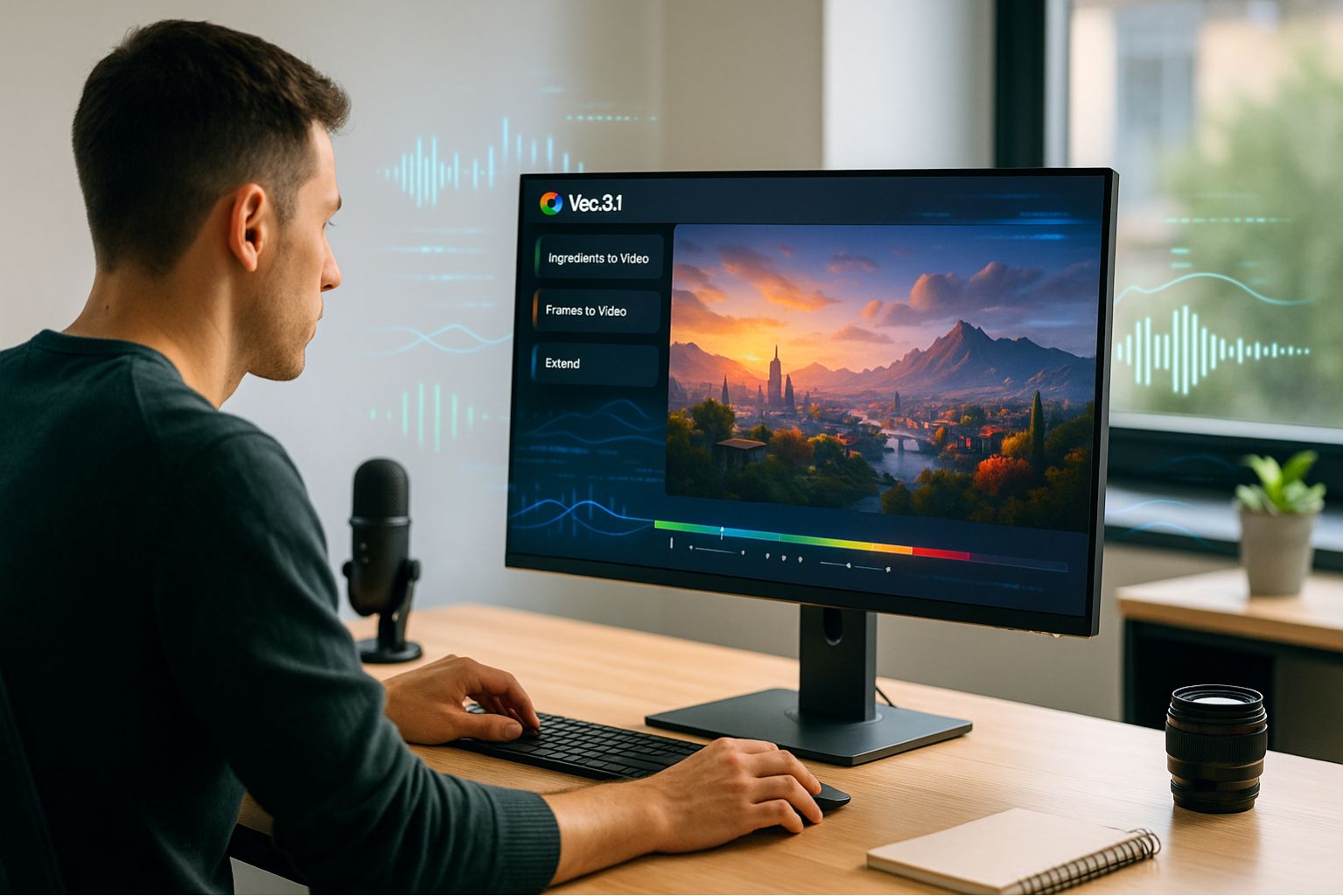
Key Highlights
- Veo 3.1 brings richer audio, enhanced realism, and stronger prompt adherence, enabling realistic story-driven AI video production.
- Flow, powered by Veo, now supports audio across all features including adding audio to video, converting frames to video, and extensions.
- New in-app tools such as Insert and Remove have significantly improved editing precision, allowing users to refine or modify scenes.
- Demonstrating the rapid adoption of AI filmmaking tools, over 275 million videos have been created in Flow 1.
- Veo 3.1 is available through the Gemini API, Google Vertex AI, and Gemini Apps for developers and enterprise customers.
A New Era of AI Video Production
Google Unveils Veo 3.1 and Flow Improvements
Google has announced major updates to its AI filmmaking ecosystem, centered around the launch of Veo 3.1 and expanded creative controls in Flow.
This update aims to provide all users, from filmmakers to developers, with deeper narrative control and richer audiovisual realism when creating or editing AI-generated video content.
Just five months after launching Flow, its browser-based AI video production platform powered by Veo, Google announced that "over 275 million videos have been generated in Flow 1."
The new version focuses on the core user feedback: the need for more artistic control and integrated audio throughout the creative process.
Audio Integration
With Veo 3.1, audio generation is now built directly into Flow's existing tools, allowing creators to combine visual storytelling with AI-generated soundscapes for the first time.
The latest version introduces richer context-aware audio, stronger prompt adherence, and improved audiovisual quality when converting images to video.
These upgrades enable more immersive experiences by capturing realistic textures, environmental sounds, dialogue tones, and ambient noise.
Google noted that these features are still experimental and that the company plans to continuously improve quality, realism, and user control based on creator feedback.
Creators can now apply images to videos to define characters, objects, and visual styles, and combine multiple reference images to shape the look of a scene.
With Frame to Video, users can control transitions: by providing start and end images, Flow generates smooth clips connecting the two, ideal for cinematic pans and artistic storytelling.
Extend creates extended shots that seamlessly continue from previous clips, enabling minute-long sequences that maintain continuity and flow.
Each new video is generated from the last second of the previous clip, making it particularly useful for creating longer establishing shots or continuous scenes without visible cuts.
Editing Within Flow: Insert, Remove, Reimagine
The latest version of Flow introduces precision editing tools that allow scenes to be modified directly within the interface, providing features that transform the tool into a full-process creative platform.
With Insert, users can add new visual elements to any frame, from realistic details to fantastical creatures.
The system automatically adjusts lighting, shadows, and reflections for natural integration.
With Remove (coming soon), users can erase objects or characters from a scene, and Flow intelligently reconstructs the background to appear intact.
Flow enables instant scene reimagination, shortening creative iteration cycles and allowing users to freshly reimagine clips without restarting the process.
Veo 3.1 Model: Realism, Control, and Developer Accessibility
Under the hood, Veo 3.1 improves upon Veo 3 with enhanced realism and refined audiovisual generation.
It transforms image prompts into dynamic cinematic videos that capture lifelike motion and textures, while giving creators greater narrative and stylistic control.
These advances make Veo 3.1 one of Google's highest-performing AI video models to date, delivering cinematic quality at scale while maintaining user-centric control.
For developers and enterprises, Veo 3.1 is accessible through the Gemini API, Google Vertex AI, and the Gemini App, enabling seamless integration.
Q&A
| Question | Answer |
|---|---|
| Q1: What are the new features of Veo 3.1? | Veo 3.1 adds audio generation, enhanced realism, and stronger prompt adherence to support more cinematic narrative-controlled video production. |
| Q2: How does Flow integrate with Veo 3.1? | Flow runs on Veo 3.1 and now includes audio, extended video production, and in-app editing features, allowing creators to directly modify clips. |
| Q3: What are the new editing tools in Flow? | Insert allows adding new visual elements, while Remove lets you delete unwanted objects or characters and then reconstruct the scene. |
| Q4: Where can developers access Veo 3.1? | It is accessible through the Gemini API, Vertex AI, and the Gemini App, which includes enterprise deployment options. |
| Q5: Why is this update important for creators? | It expands creative controls, integrates sound design, and streamlines AI video production, enabling creators to produce more expressive and cinematic videos. |
Implications
With Veo 3.1 and the latest Flow upgrades, Google is positioning its platform as a leader in AI-powered video production, where speed, realism, and creative flexibility converge.
By integrating audiovisual generation, in-app editing, and developer accessibility, Google is elevating AI video production to professional-grade quality while making it accessible to a broad user base.
This update represents a step toward a future where AI tools serve as collaborative creative partners rather than replacements, giving storytellers more freedom to shape, refine, and experiment with visual narratives.
Ultimately, Veo 3.1 represents the next stage in AI video evolution, where control, consistency, and creativity converge to make AI-assisted filmmaking feel seamless and human-guided.
IMPAKERS Blog | Gemini Enterprise Launch Read more
Source: Alicia Shapiro, AiNews, "Google Launches Veo 3.1 and New Audio Controls in Flow", https://www.ainews.com/p/google-launches-veo-3-1-and-new-audio-controls-in-flow, (2025-10-16)